
Getting Started
This guide will walk you through the registration process to the Corsa platform
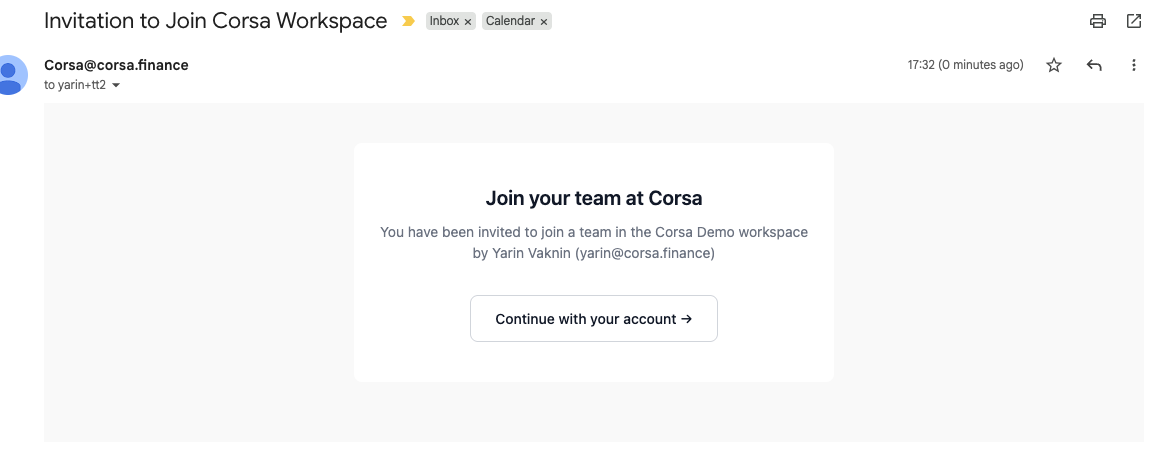
In order to log in to the Corsa platform you need to receive an invitation from your workspace owner.
The invitation is a link sent to you in your email or directly from the workspace owner.
Accept Invitation
The first thing you need to do is accept the invitation sent to you.
You will have to login with your Google SSO into the platform. If you are not using Google SSO contact Corsa to get a user with initial password.
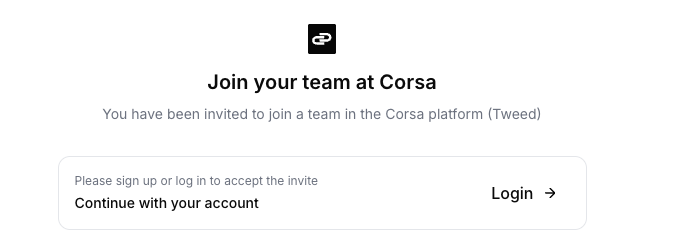
Login
Use your Google SSO or Email password to safely login
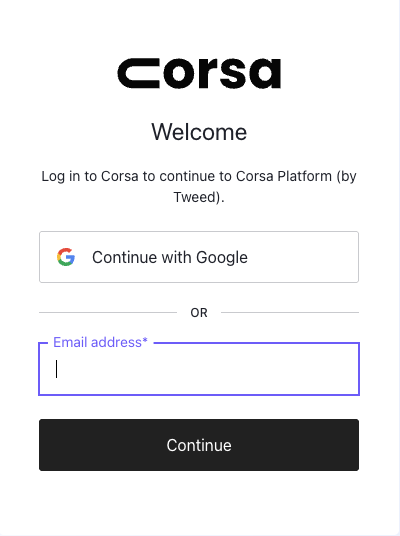
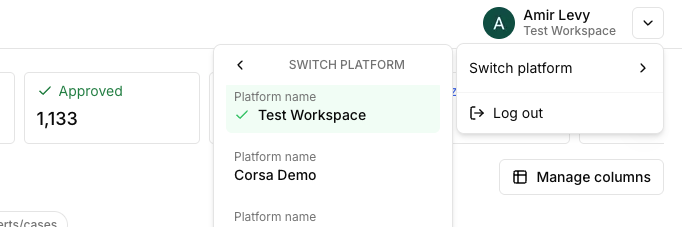
If you have multiple workspaces choose the one you wish to login to

You can switch workspaces or logout from the top right bar
Invite Users
-
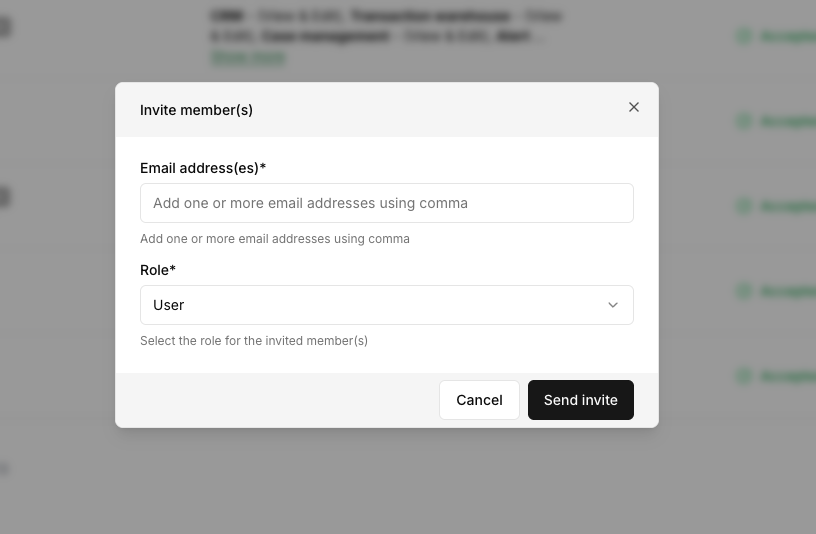
If you are a platform/workspace owner you can invite others to be users in the platform
-
Go to the setting icon on the bottom of the left menu and then choose Team
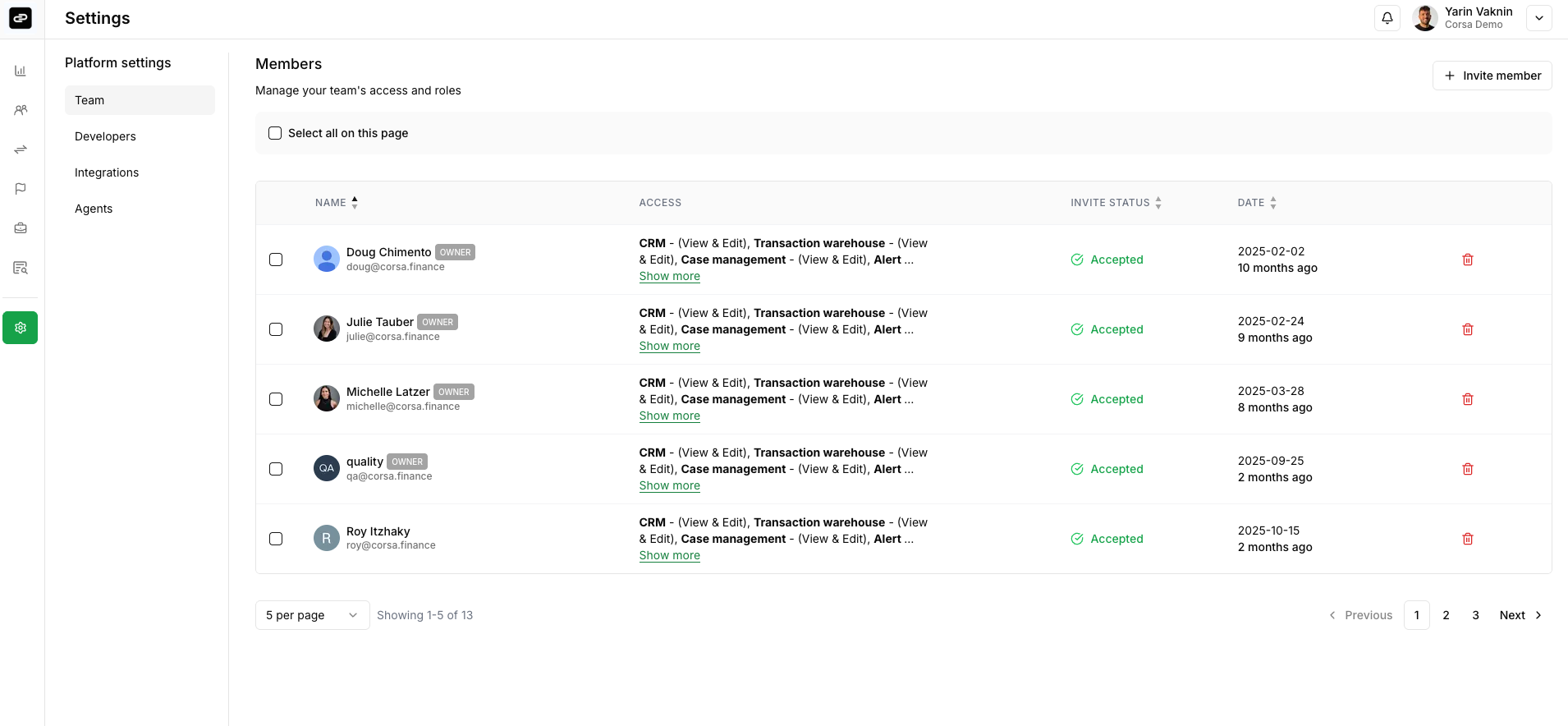
- Click on the
Invite memberbutton and an invitation link with user permission is created and sent via email to your teammate.
Create API Keys
Check our API guide
Updated 3 months ago