

How It Works
Copilot runs in agent mode. When you ask a question, it thinks through an approach, calls tools to query your data in real time, and synthesizes results into a clear response. Every step is visible - you can see exactly what the agent did and how long it took.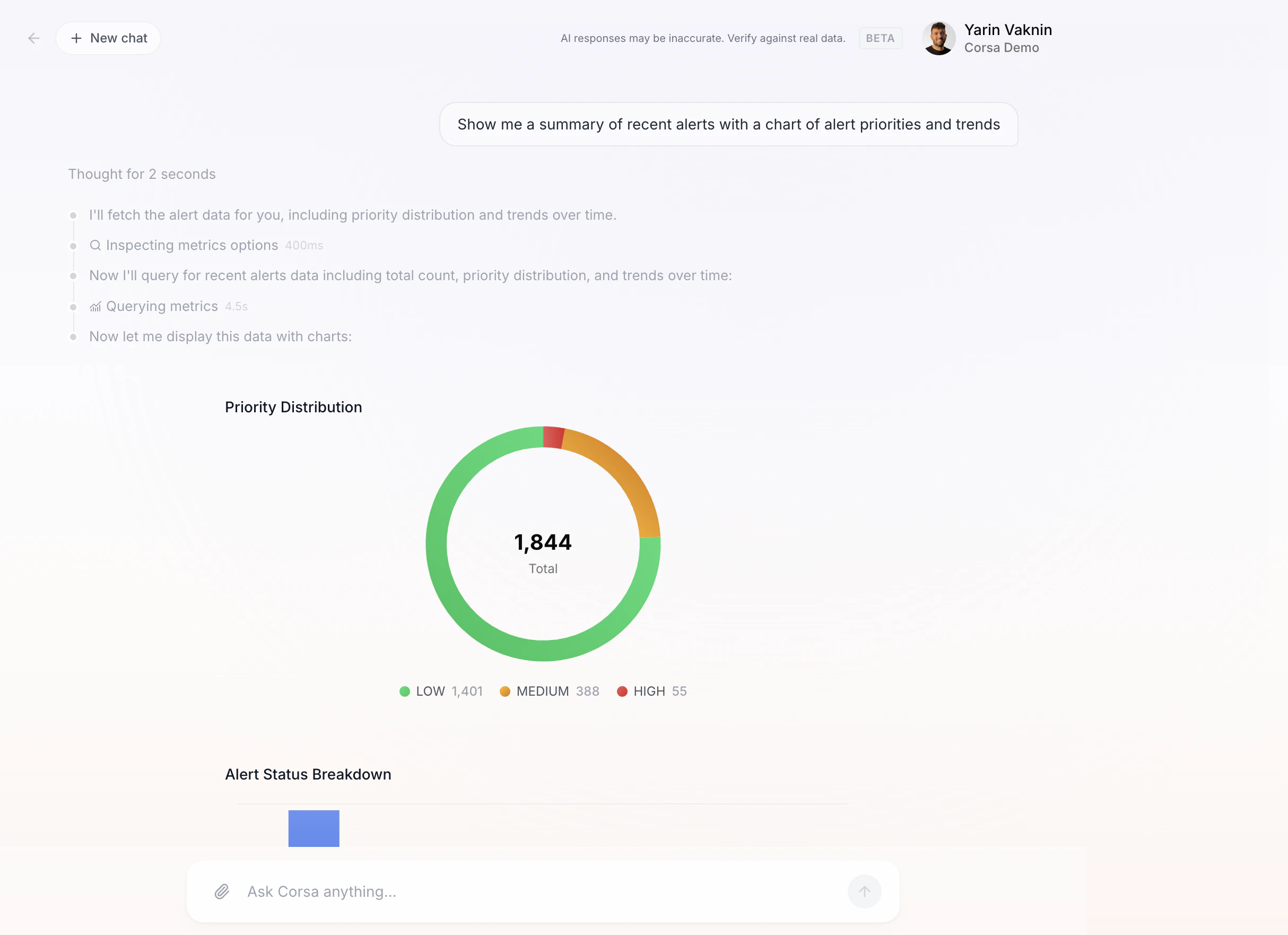
Quick Actions
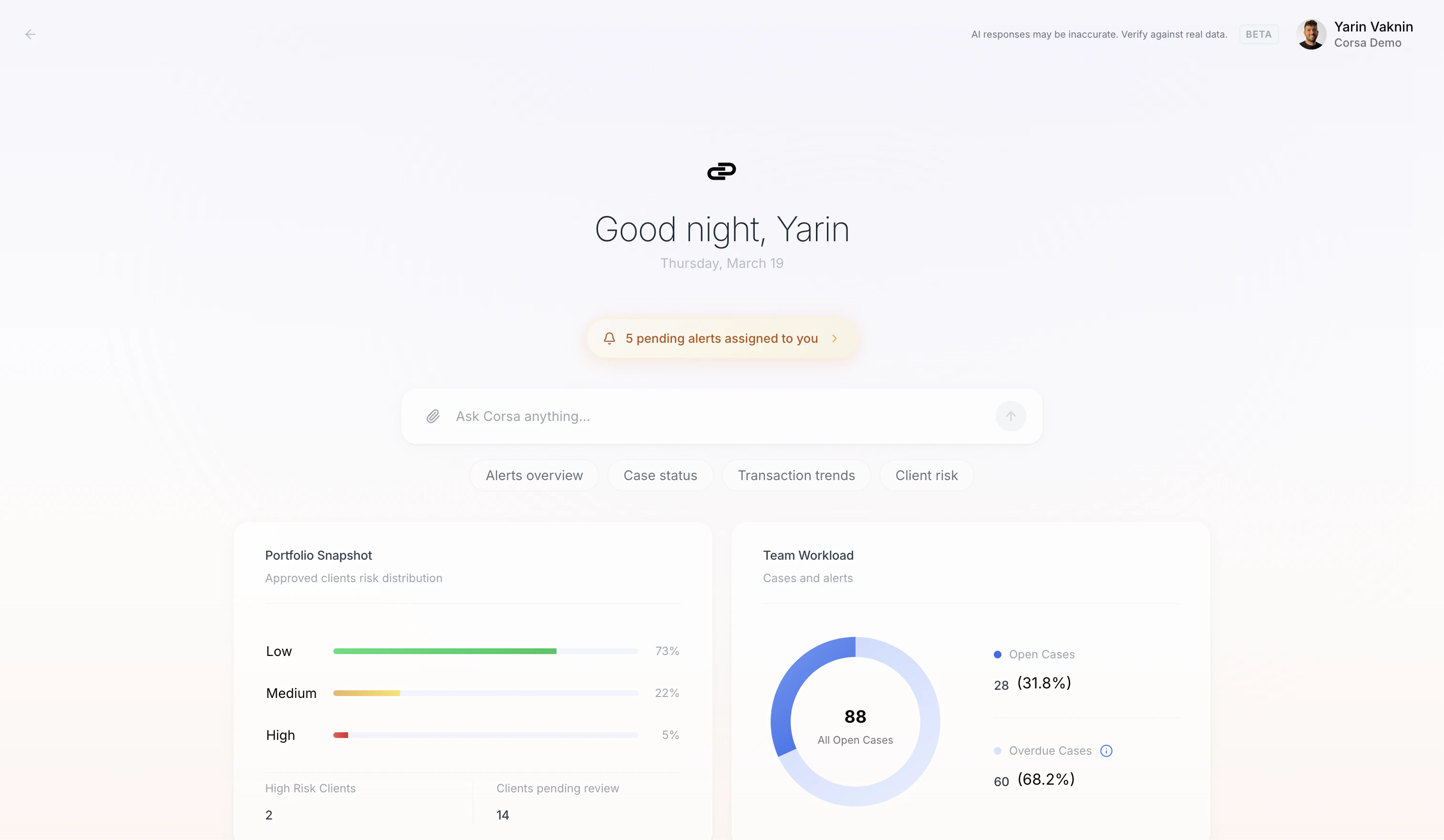
One-click prompts below the chat input get you started fast:- Alerts overview - Alert volume, priority breakdown, and trends.
- Case status - Open cases, overdue items, team workload.
- Transaction trends - Recent transaction volume and patterns.
- Client risk - Risk distribution across your client portfolio.
Attaching Entities
Pin a specific alert, client, transaction, or case to your conversation using the Attach entity button. All follow-up questions will be scoped to that entity.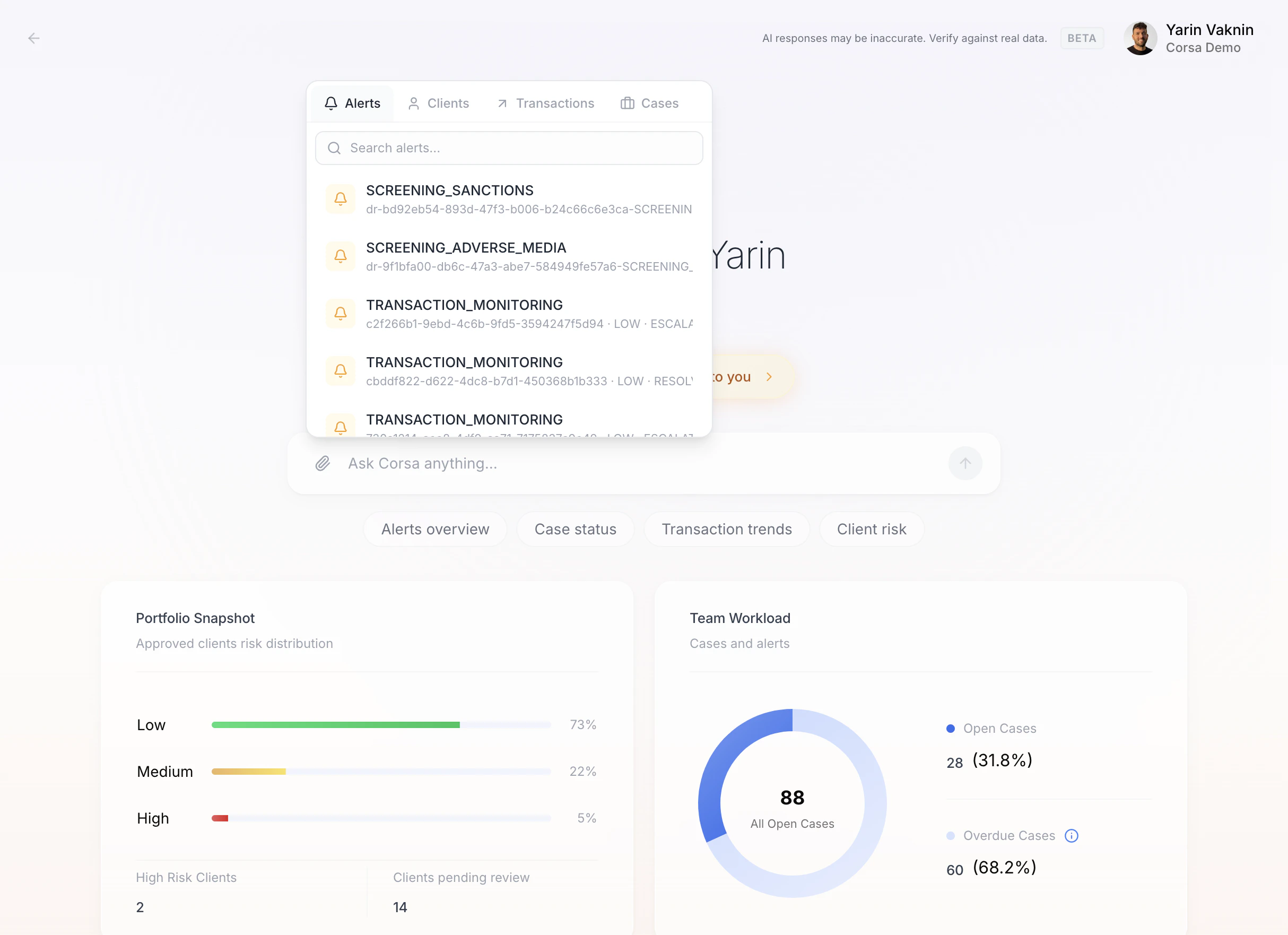
Dashboard Widgets
The landing page shows live widgets at a glance: Portfolio Snapshot, Team Workload, Alerts by Priority, and Transaction Volume Summary.Feedback
Thumbs-up and thumbs-down buttons on every response help Corsa improve over time.Copilot vs workflow automation
Copilot is for analysts asking questions in the moment. Workflow Agent and Deep Research blocks run on a schedule or when compliance events fire — without anyone opening chat.
Want to see Copilot in action with your own data? Schedule a demo or learn more about Corsa’s AI capabilities.