
Chainalysis Integration
The Chainalysis integration connects your Chainalysis account directly to the Corsa platform. All Know Your Transaction (KYT) alerts are automatically synced from Chainalysis into your Corsa dashboard — and any updates your team makes in Corsa (such as status changes, notes, or resolutions) are instantly pushed back to Chainalysis.
This ensures a seamless, bi-directional workflow, so your compliance team always works with the most up-to-date information in both platforms. The result: less manual duplication, fewer silos, and more time to focus on what matters — identifying risks faster and protecting your business and customers.
How It Works: A Simple, Automated Flow
The integration is designed to be seamless and work for you in the background. Here’s a step-by-step look at how it operates:
Secure Connection You start by securely linking your Chainalysis KYT account to Corsa. This is a one-time setup that authorizes Corsa to read and update alert information on your behalf. All credentials are fully encrypted and securely stored.
Automatic Two-Way Syncing Every few minutes, Corsa automatically checks your Chainalysis KYT account for new or updated alerts and pulls them directly into your Corsa dashboard. At the same time, any updates you make in Corsa (such as changing an alert’s status, adding notes, or closing a case) are instantly synced back to Chainalysis. No manual imports, no stale data — just one consistent source of truth across both platforms.
Smart Organization & Prioritization Corsa doesn’t just import alerts; it intelligently interprets them. Using a powerful rules engine, it reads details from each Chainalysis alert — such as risk score, sanction exposure, or transaction type — and automatically assigns the correct Priority (e.g., High, Medium, Low) and Category (e.g., Sanctions, Suspicious Activity, Transaction Monitoring) in your Corsa workflow. This ensures your team can immediately focus on what matters most.
Building the Full Picture An alert is most powerful with context. Corsa automatically links each incoming Chainalysis alert to the relevant customer profile, wallet, and transaction history already stored in the platform. This provides your team with a complete, 360-degree view of risk, enabling faster and more accurate investigations.
Keeping Everything Up-to-Date The integration ensures your alerts are always accurate and never duplicated:
- New Alerts: When a new alert appears in Chainalysis, it’s automatically created in Corsa.
- Updates: If an alert changes in Chainalysis (e.g., risk score or status), that update is reflected in Corsa. Likewise, if you update an alert in Corsa, the change syncs back to Chainalysis.
This bi-directional sync guarantees both platforms stay perfectly aligned, saving time and reducing errors.
Prerequisites
Before you begin, ensure that:
- You have owner access to the Corsa application.
- You have a KYT Chainalysis account with permission to generate API credentials.
Setting Up the Chainalysis Integration
-
Navigate to Integration Settings
- Log in to Corsa.
- Go to Developers Hub → Integrations.
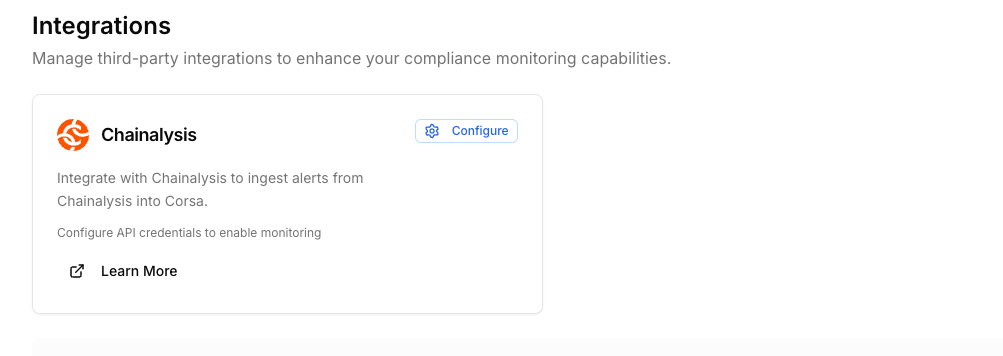
-
Click on the
Configurebutton to begin the configuration process -
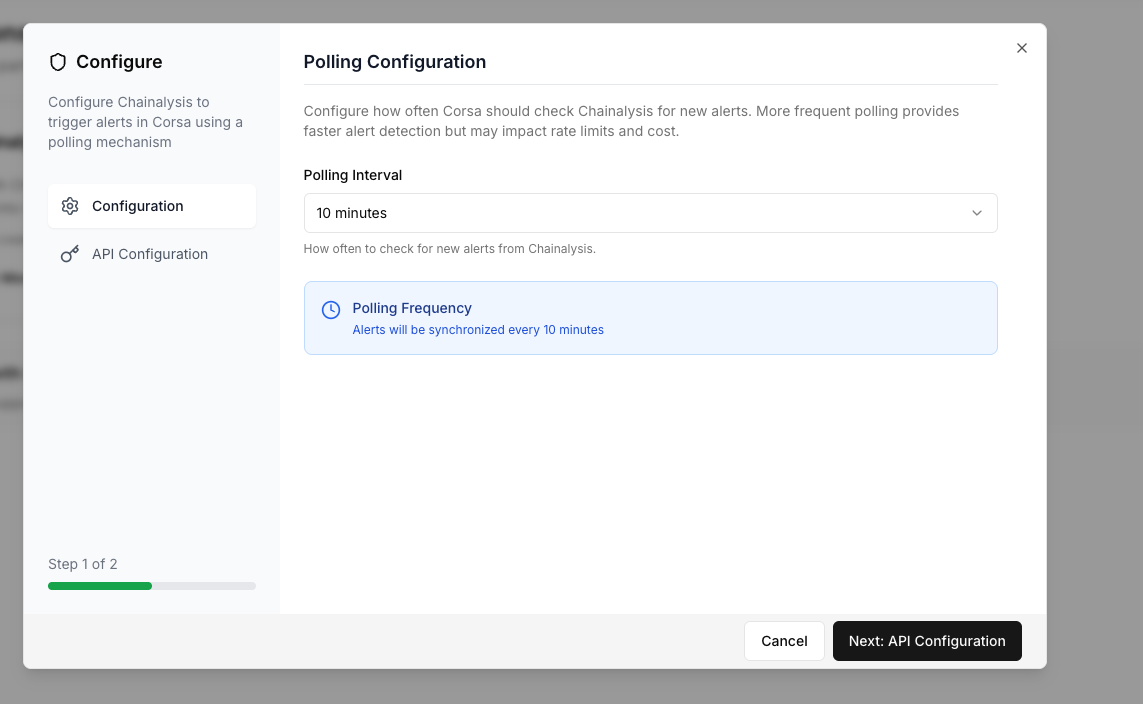
Configure Polling Interval The polling interval determines how frequently Corsa requests new alerts from Sardine.
-
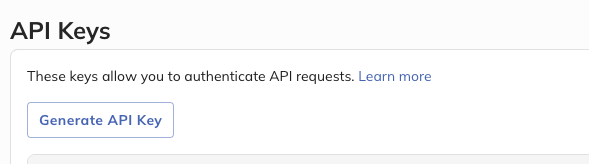
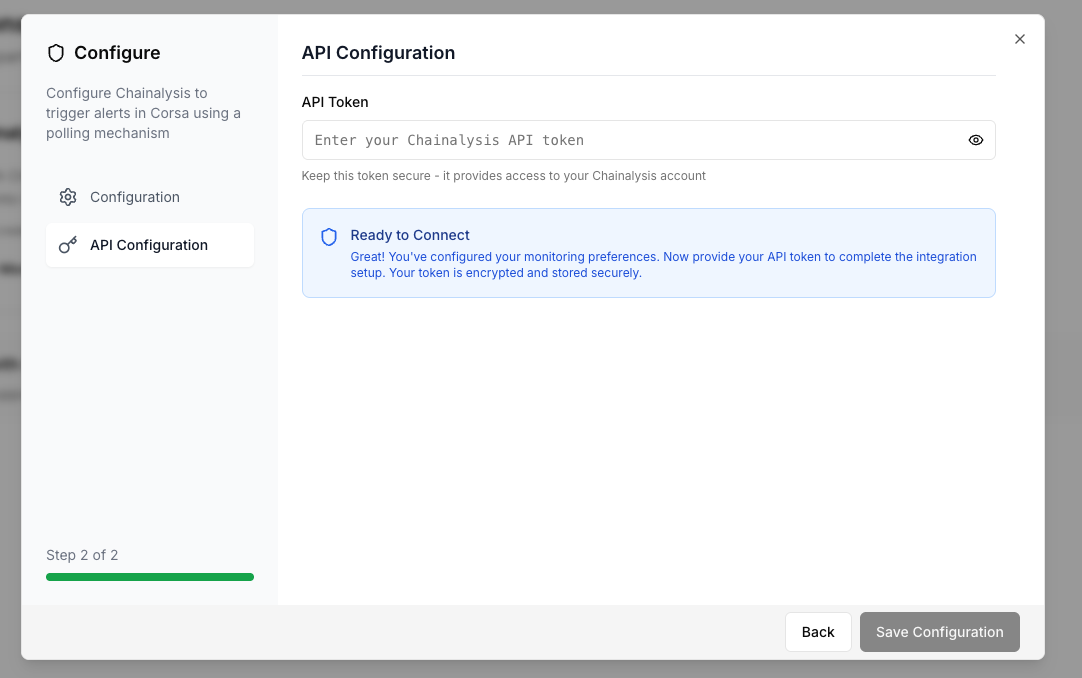
Enter Chainalysis Credentials - you will need to:
- Create API Key inside the Chainalysis KYT api keys
- Enter the credentials into Corsa
-
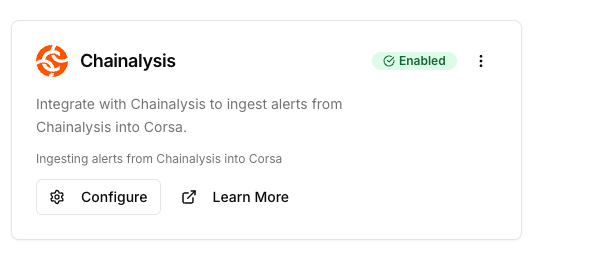
If the configuration was successful you should see it in an enabled status
Linking Chainalysis users to Clients in Corsa
To associate clients in Corsa with a chainalysis users:
- When creating a new client via the Corsa API, include the
chainalysisUserIdfield (check API Reference).
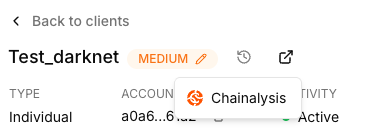
Inside the client profile in Corsa, you will see:
- External Providers section linking to Chainalysis.
- All related Chainalysis alerts correlated to this customer.
Linking Chainalysis transfers to Transactions in Corsa
To associate transactions in Corsa with a Chainalysis transfer:
- When creating a new transaction via the Corsa API, include the
chainalysisTransactionId(the transfer reference in chainalysis) field (check API Reference).
Alert Mapping in Corsa
This document outlines how Corsa determines the category, priority, and status of alerts. Mapping rules are applied automatically upon alert ingestion.
1. Category Mapping Rules
These rules determine the category of an alert based on its properties. They are evaluated in order of priority (highest number first).
| Priority | Category | Condition |
|---|---|---|
| 1 | TRANSACTION_MONITORING | All Chainalysis alerts are considered as transaction monitoring alerts. |
2. Priority Mapping Rules
These rules determine the priority of an alert.
| Priority | Priority Level | Condition |
|---|---|---|
| 1 | HIGH | Chainalysis alert level is HIGH or SEVERE. |
| 2 | MEDIUM | Chainalysis alert level is MEDIUM |
| 3 | LOW | Chainalysis alert level is LOW |
3. Status Mapping Rules
These rules determine the status of a newly created alert.
| Priority | Status | Condition |
|---|---|---|
| 4 | ESCALATED+ Case creation in Corsa | If the Chainalysis alert is in status Flagged |
| 3 | RESOLVED | If the Chainalysis alert is in status Dismissedor NO_REVIEW |
| 2 | IN_REVIEW | If the Chainalysis alert is in status In Review |
| 1 | NEW | For all other cases |
- Status mapping in Bi-Directional. If an alert status is updated in Corsa - it will update the status of the alert in Chainalysis as well by same the logic.
Updated 17 days ago